Can AI engines read your website? A 15-minute check for small businesses
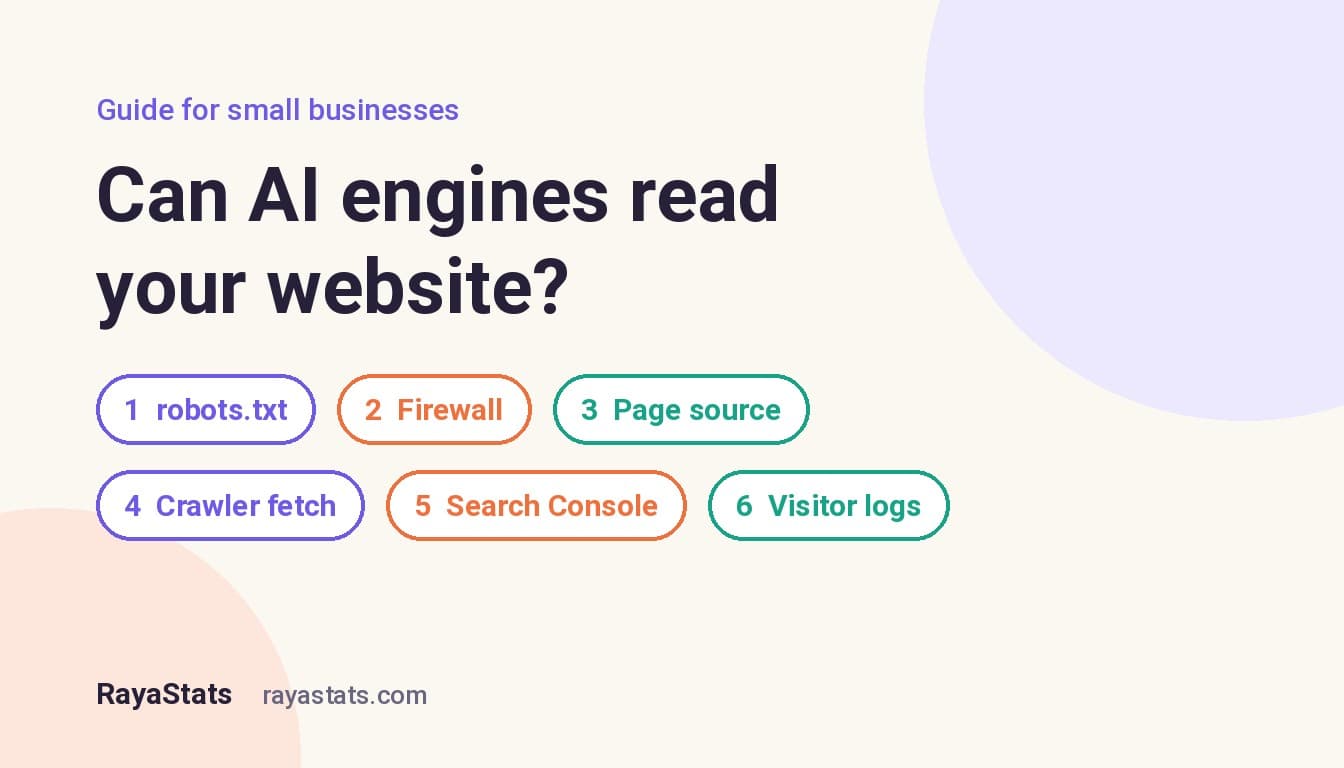
The short answer: probably, but don't assume it: a robots.txt line, a firewall setting or text that only appears through JavaScript can hide a site from AI engines without anyone noticing. You can check all of it in about 15 minutes, for free. Look at your robots.txt, check your firewall or CDN settings, look at the page source with JavaScript out of the picture, fetch the page the way a crawler would, ask Google and Bing what they see, and check your logs for crawler visits. If all six checks pass, AI engines can read you. Whether they recommend you is a separate question, and I cover that at the end.
I ran every check below on my own site while writing this, and I quote its real crawler numbers. It's a small business site with modest traffic, so the numbers are closer to yours than anything a big publisher will show you.
Why "can they read it?" comes first
An AI engine can only mention a page it has fetched, or a page that sits in a search index it uses. Google's AI Overviews and AI Mode use Google's index, Copilot uses Bing's, and OpenAI, Perplexity and Anthropic run their own search crawlers. Google says there are no extra technical requirements for its AI features beyond being indexed and eligible for a snippet. So the first job is boring and mechanical: make sure nothing stops these crawlers at the door, and that the text is there when they arrive.
It's more common to fail this than you'd think. A security setting switched on by a host, a builder option ticked years ago, or a site that only fills in its text with JavaScript can each make a business invisible to some engines without anyone noticing.
The crawlers you need to know
Most AI companies run more than one crawler, and they do different jobs. This matters, because you can block training without blocking search:
| Crawler (robots.txt name) | Company | What it does |
|---|---|---|
| OAI-SearchBot | OpenAI | Finds pages to show in its search answers. Block it and you won't appear there. |
| GPTBot | OpenAI | Collects content that may be used to train its models. |
| Claude-SearchBot | Anthropic | Indexes pages to improve search answers. |
| ClaudeBot | Anthropic | Collects content that may be used for model training. |
| PerplexityBot | Perplexity | Finds and links pages in its search results. Perplexity says it's not used for training. |
| Googlebot | Google Search, including AI Overviews and AI Mode. | |
| Google-Extended | Not a crawler but a robots.txt switch: it controls whether your content may train Gemini models. Google says it has no effect on Google Search. | |
| Bingbot | Microsoft | Bing Search, which Copilot relies on. |
Sources: OpenAI's crawler page, Anthropic's crawler page, Perplexity's crawler page and Google's list of common crawlers. There are also "user" fetchers that visit a page when someone asks an AI engine about it right now. Perplexity notes that its user fetcher generally ignores robots.txt, because a person asked for the page.
Check 1: read your robots.txt (2 minutes)
Open yourdomain.com/robots.txt in a browser. It's a short text file. Look for two things:
- A line
Disallow: /underUser-agent: *. That tells every crawler to stay away from the whole site. It's sometimes left over from when a site was being built, and it's the single most damaging line a small business site can carry. - A group naming one of the search crawlers in the table above (OAI-SearchBot, Claude-SearchBot, PerplexityBot, Bingbot, Googlebot) with
Disallow: /under it.
Blocking the training crawlers (GPTBot, ClaudeBot, Google-Extended) is a reasonable business decision and doesn't remove you from search answers. Blocking the search crawlers does. If you don't have a robots.txt at all, crawlers treat the whole site as allowed, which is fine.
Mine is six lines long: everything is allowed except the admin, API and Rails system paths, plus a link to the sitemap.
Check 2: look at your CDN, firewall and builder settings (3 minutes)
robots.txt is a polite request. A firewall is a locked door, and it can block crawlers that your robots.txt welcomes. Since July 2025, Cloudflare blocks AI crawlers by default on new sites unless the owner changes the setting. If your site sits behind Cloudflare, open the dashboard, find the bot and AI crawler settings and decide what you allow, crawler by crawler.
Some hosts and website builders have their own switch for AI crawlers, often in the SEO or privacy settings. If you didn't set up the site yourself, ask whoever did. You want to know what is blocked and why, not to discover it a year later.
Check 3: look at the page without JavaScript (3 minutes)
Open one of your important pages, such as a service page, press Ctrl+U (or Cmd+Option+U on a Mac) to see the page source, and search for a sentence you can see on the page. If the sentence is in the source, the text arrives with the first response. If the source is mostly scripts and an empty container, the text only appears after JavaScript runs.
Google renders JavaScript before indexing, so a script-built page can still do fine in Google. You can't assume the same of every AI crawler, and none of the crawler documentation I linked above promises it. Your prices, your service area and your answers to common questions should be in the HTML itself. Every site I build is server-rendered for exactly this reason.
Check 4: fetch the page the way a crawler does (2 minutes)
This one needs a terminal, but it's a single command. On a Mac or Linux, or in Windows PowerShell with curl.exe, run:
curl -s -o /dev/null -w "%{http_code}\n" -A "Mozilla/5.0 (compatible; OAI-SearchBot/1.4; +https://openai.com/searchbot)" https://yourdomain.com/Swap in PerplexityBot/1.0 or Claude-SearchBot to test the others. On Windows, write NUL instead of /dev/null. A result of 200 means the page was served. 403 or 503 usually means a firewall or bot filter stopped the request. Some firewalls also check where a request comes from, not just its name, so a 200 here is a good sign rather than proof.
One side effect: your own test shows up in your analytics as a crawler visit. I found that out the hard way when my own checks added more than a hundred fake "Googlebot" visits to my stats in one afternoon. I left those out of the numbers below. Note the time you ran the test so you can leave it out later.
Check 5: ask Google and Bing what they see (3 minutes)
Both search engines will show you the page as their crawler received it, for free:
- Google Search Console: paste your page into the URL Inspection bar. It tells you whether the page is indexed, and "Test live URL" then "View tested page" shows the HTML Google got. If the status is "Crawled, currently not indexed", Google can read the page but didn't think it was worth keeping. That's usually a content problem, not a technical one.
- Bing Webmaster Tools: its URL Inspection does the same for Bing. Because Copilot relies on Bing, this is the closest thing to a direct check for Copilot. Many small businesses have never verified their site in Bing at all. If that's you, it's the most useful 10 minutes you can spend this week.
Check 6: check who is actually visiting (2 minutes)
The final check is whether crawlers come at all. If your host gives you access logs, or your analytics records bots, filter by the crawler names above. Here is what my own site recorded in the four weeks from 21 September to 18 October 2026:
| Crawler name in the request | Requests | Requests for real pages, or IP check |
|---|---|---|
| OAI-SearchBot | 100 | 89 |
| ClaudeBot | 65 | 28 |
| Googlebot | 50 | 38 came from Google's published IP ranges, 12 did not |
| GPTBot | 42 | 35 |
| PerplexityBot | 19 | 1 |
| Bingbot | 12 | 12, all from Bing's IP ranges |
For scale: in the same four weeks, people viewed pages on the site 141 times. Three things stand out.
AI search crawlers already read small sites. OpenAI's search crawler made more than twice as many requests as genuine Googlebot. You don't need to be a famous brand for AI engines to look at you. What they find when they arrive is up to you.
The name in a request is only a claim. Most of the "ClaudeBot" and "PerplexityBot" requests asked for things like /proc/self/environ and /wp-json. Those are probes looking for server secrets and WordPress weak spots, and nothing on my site links to them, so they almost certainly came from scanners borrowing a well-known name. The same goes for the 12 "Googlebot" requests from outside Google's addresses. Google and Bing publish ways to verify Googlebot and verify Bingbot, and OpenAI and Perplexity publish their IP ranges. Before you conclude "an AI crawler visited my site 300 times", check how many of those visits were real.
No visits at all is a finding too. If a search crawler never shows up over a month, go back to checks 1, 2 and 5. The usual causes are a block you didn't know about, or a site no search engine has been told about, with no sitemap submitted and no links pointing to it.
What to do with the results
| What you found | What to do |
|---|---|
Disallow: / for all crawlers or for a search crawler | Remove it today, unless you blocked that crawler on purpose. Keep training-crawler blocks if you want them. |
| 403 or 503 for a crawler name in check 4 | Review the bot settings in your CDN, firewall or host. Allow the search crawlers you want. |
| The text isn't in the page source | Ask your developer about server-side rendering, or move the key facts (services, prices, area, contact) into the HTML. |
| "Crawled, currently not indexed" in Search Console | Make the page more useful and more distinct: a direct answer at the top, real prices, a named project, fewer near-duplicate pages. |
| Site not in Bing Webmaster Tools | Verify it (you can import from Search Console) and submit your sitemap. |
| No crawler visits in a month | Submit your sitemap to Google and Bing, and get linked from a few profiles and directories you control. |
What this test can't tell you
Passing all six checks means AI engines can read your site. It doesn't mean they will recommend you. That depends on whether your pages answer the questions customers ask, and on what the rest of the web says about you: reviews, directory listings, mentions by name on other sites. I wrote a separate guide on that part: GEO for small businesses, with a 10-step checklist.
The easiest way to see where you stand is to ask. Write down five questions a customer would type, such as "who builds booking websites for guest houses?" or "best accountant for freelancers in Leeds", put them to three or four AI engines and note whether you're named and which page gets cited. Repeat it monthly, because the answers change.
If you'd rather have it done for you, my AI Visibility Audit runs these checks and the customer questions for a local business and turns the results into a prioritised fix list. If your site itself is the problem, I build hand-coded, server-rendered business websites from £1,200 in the UK, or from €1,000 for businesses in Bulgaria; see website development prices and projects. I'm a software engineer and I also work remotely for Cisco through SoftServe, so testing before trusting is a habit, not a sales line.
Frequently asked questions
Should I block GPTBot and ClaudeBot?
It's your choice, and it doesn't affect whether you appear in search answers. Those two collect content for model training. The search crawlers (OAI-SearchBot, Claude-SearchBot, PerplexityBot) are separate, and you can allow them while blocking training.
Will blocking Google-Extended hurt my Google rankings?
No. Google says Google-Extended only controls whether your content may be used to train Gemini models and has no effect on Google Search, which includes AI Overviews.
My site is on Wix or Squarespace. Can AI engines read it?
The big builders generally send page text in the HTML, but don't assume: run checks 3 and 4 on your own pages, and look for any AI crawler setting in the builder's SEO options. Builder or not, the six checks work the same way.
How often should I repeat these checks?
After any change of host, CDN, builder or security plugin, and otherwise every three months. The prompt test with real customer questions is worth doing monthly.
Do I need an llms.txt file?
No. Google says you don't need special AI files to appear in its search features. If your site generates one automatically, it does no harm. Spend the time on checks 1 to 6 instead.
Ran the checks and found something you're not sure about? Send me your website address and what you found, and I'll tell you what it means and what I'd fix first. Get in touch.